World Developer Platform

Build interactive applications, streamline workflows, and effortlessly bring ideas to life with intuitive visual tools.

Introducing the SuperGUI Developer Toolchain

The SuperGUI Developer Toolchain is designed to simplify and accelerate application creation. It is built around two core modules: data maintenance and panel building. This gives developers everything they need to integrate data, design interactive panels, and streamline complex workflows with ease.

Intended Users

Ideal Users of SuperGUI

SuperGUI is ideal for developers, solution providers, and industry partners who want to build interactive applications quickly and efficiently. It caters to professionals across industries such as smart cities, factories, water management, and urban planning.
 
The platform empowers users to integrate data, design visual panels, and manage complex workflows without heavy coding. By streamlining development, it accelerates project delivery and enhances overall operational efficiency.

Benefits for White Label Partners

SuperGUI empowers white-label partners to build fully customized solutions, enhance their product offerings, streamline workflows, and maximize revenue potential. The platform enables partners to deliver professional, scalable applications efficiently, strengthening their market presence and creating new business opportunities.

Create Custom Solutions

Help partners design and deploy their own branded applications with ease and flexibility.

Boost Profit Margins

Increase revenue potential by delivering scalable, efficient, and market-ready white-label solutions.

Fast Deployment

Reduce development time with ready-made tools, templates, and visual programming for faster launches.

Product

Highlights

Built on 51WORLD’s AES and B/S architecture, SuperGUI empowers partners to quickly develop industry solutions with minimal coding. Its visual, drag-and-drop interface and real-time data integration make building interactive dashboards and applications faster, simpler, and more efficient.

Part 1

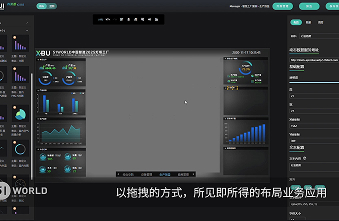
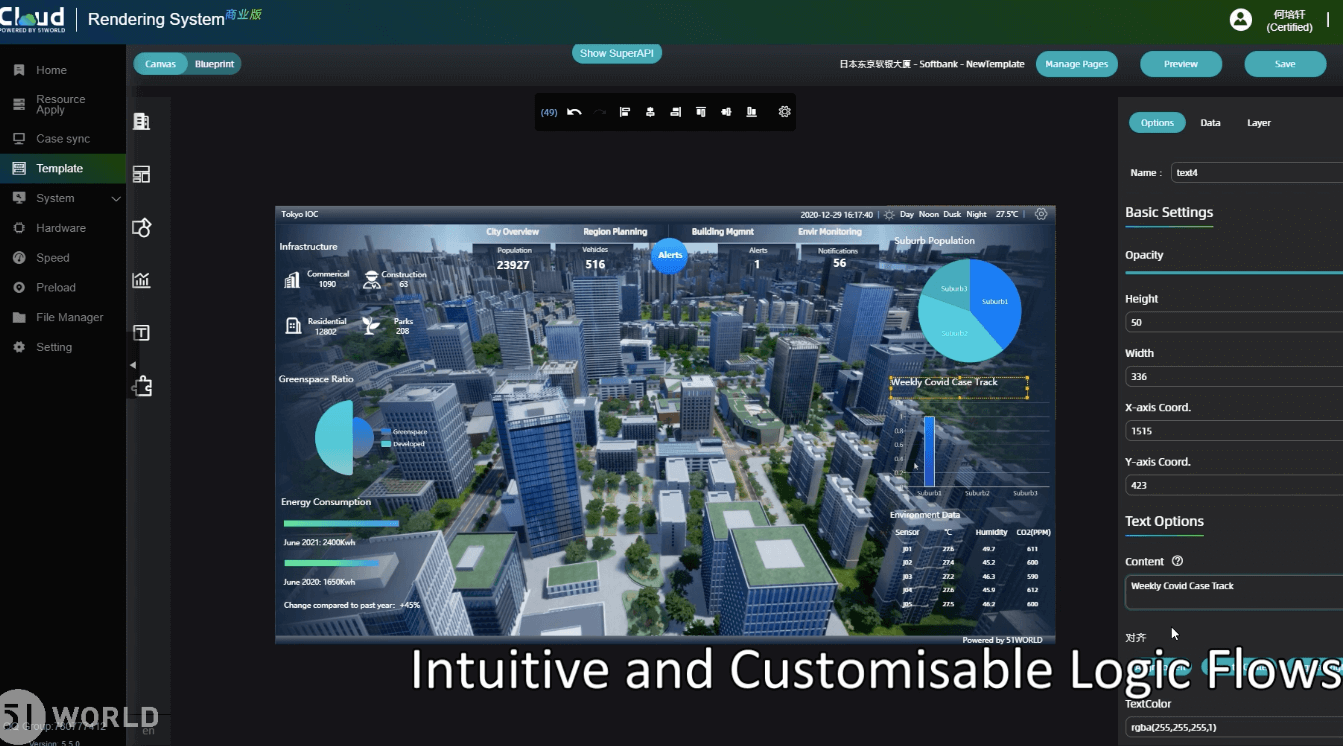
If you can use PowerPoint, you can create a page application by dragging, dropping, and building with a WYSIWYG editor.

Part 2

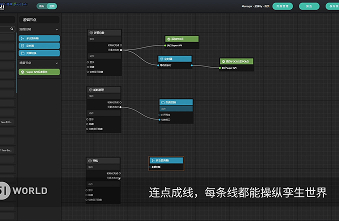
Use graphical programming to complete your business event flows with blueprints. Connect nodes in sequence to create a visual, streamlined network of events.

Part 3

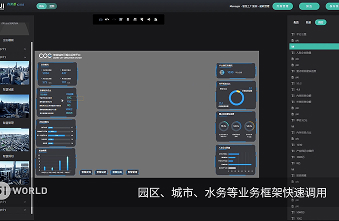
Leverage industry experience to simplify business design and empower the ecosystem. Instantly deploy multi-format business frameworks for cities, parks, water management, factories, and more.

Core Platform Functionalities

SuperGUI offers powerful functionalities, including customer dashboards, data integration, editable panels, and chart management, enabling seamless visualization, interaction, and efficient application development.

WebMaker (Visualization Panel Building Tool)

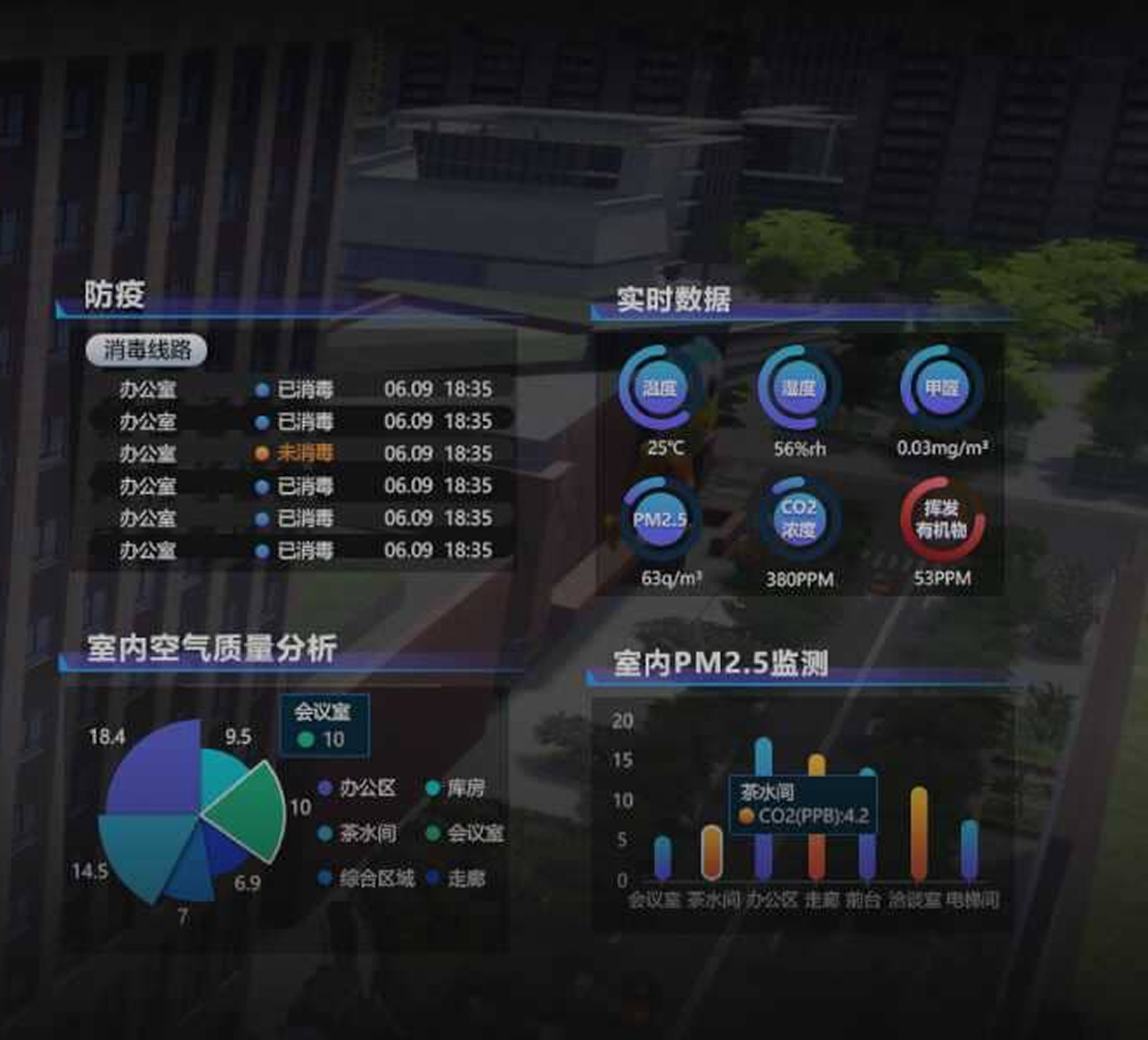
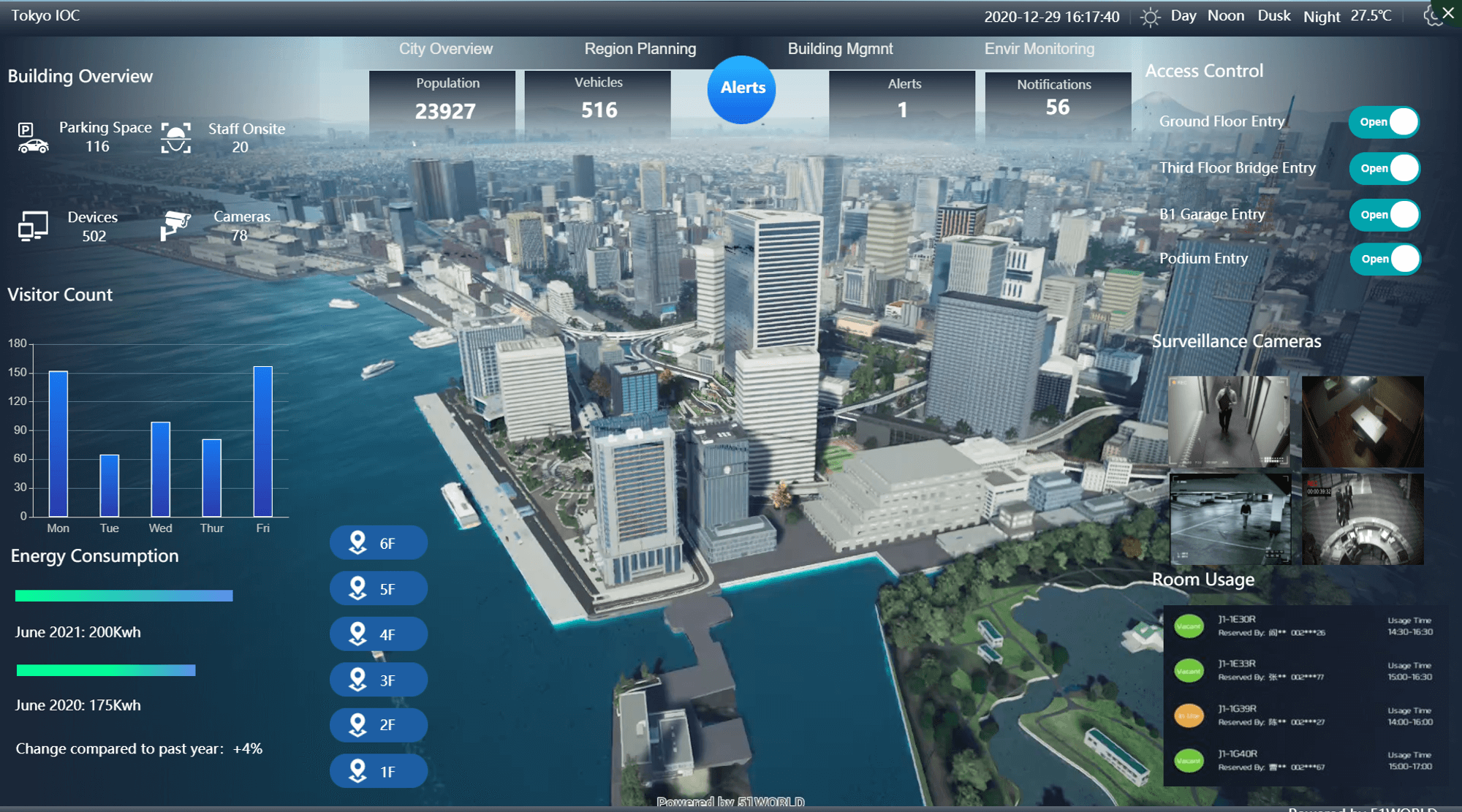
WebMaker helps developers quickly build large-screen panels by selecting pre-made multi-type charts, supporting dynamic or static data visualization and visual page editing. Charts, graphics, text, images, and other elements can be arranged on the canvas using drag-and-drop, creating interactive visual panels. Components can be linked to SuperAPI methods and events like page transfers, component display, and concealment, producing flexible and visually appealing digital twin applications. Dynamic data can be exported via API, 51DIP, or third-party sources, while static or demonstration data can be displayed directly in the charts.

Panel Management

The system has built-in more than 10 types and more than 20 styles of charts which can be freely matched and customized color matching. The system has prefabricated more than 60 component elements and supports customized uploading. Developers can add new edits or manage charts according to business needs.

DIP (Data Integration Platform)

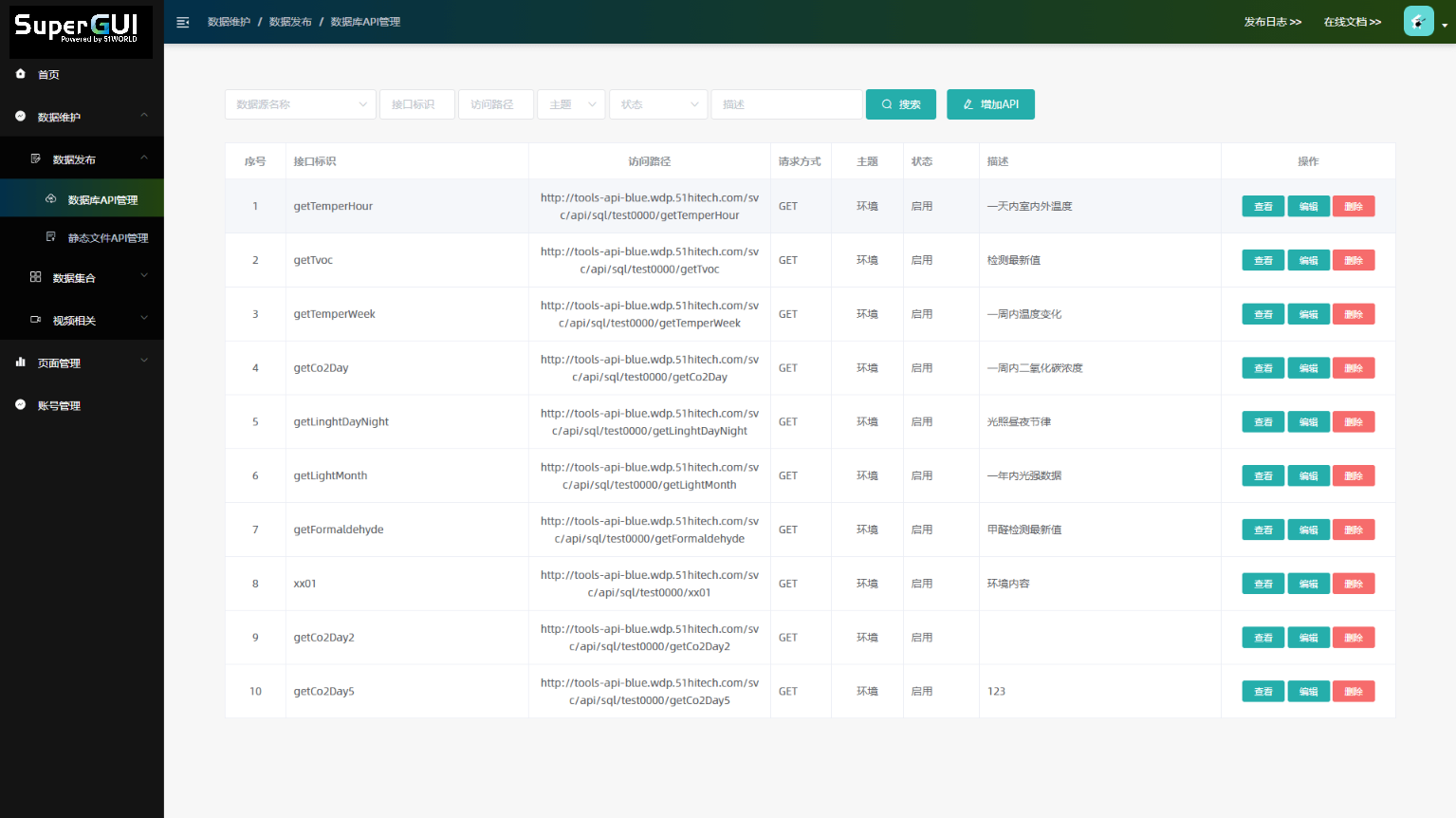
The DIP forms the foundation of the SuperGUI toolchain, integrating and storing data from multiple sources and delivering it to applications. Its capabilities include data collection (theme, source, and dataset management), data publishing (API management), and video stream access (Haikang preview). The platform has two layers: data collection and data access. The access layer provides SQL services via Restful API, allowing clients to retrieve data securely with user authorization.

Chart Management

The system offers over 10 chart types and 20+ styles with customizable colors. It includes 60+ prebuilt components and supports custom uploads. Developers can create, edit, and manage charts freely, tailoring visualizations to specific business requirements while ensuring flexibility and consistency across applications.

Development Efficiency Comparison

Using the same materials, three business panels with dynamic data and 25 event configurations can be completed much faster with SuperGUI, significantly improving efficiency compared to manual development.

About 40 Minutes

Using SuperGUI

VS

About 1-2 Weeks

Self-development (coding)

Product Features

SuperGUI offers a comprehensive set of features, built to simplify workflows, improve efficiency, and empower developers to build powerful applications with ease.

Data Collection

Customize data output themes and manage database access to suit your project requirements.

Data Set Management

Query datasets and tables, verify codes and contents, and quickly generate accurate data outputs.

Smart Data Publishing

Easily manage database and static file APIs, extracting and delivering data efficiently using SQL.

Video Stream Access

Easily access, configure, and fully manage video streams seamlessly to enable smooth real-time previews.

Workflow Overview

SuperGUI streamlines the development workflow, guiding users through each stage from project creation to model editing and dashboard building. It ensures efficiency, visual clarity, and seamless integration of data and interactive components throughout the process.

Initiate a new project, define objectives, and organize resources for structured development.

Modify and refine digital twin models, adjusting elements to meet project requirements.

Design interactive dashboards, integrate charts, and display data visually for real-time insights.

Talk to Our Experts

Discover how our digital twin solutions can optimize your operations. Connect with us for personalized guidance today.